


The November 25 Twitch Drops campaign gives us a straightforward target: work through seven reward milestones without losing time to the wrong stream, a missed claim, or an account connection we forgot to check. Our team's approach is to settle those details before committing to a long viewing session.
For players collecting Aion 2 Items through Daevasgiving, we recommend treating the campaign as a short checklist alongside normal play. Choose the reward you want, confirm that your viewing is registering, and check each completed milestone. That routine is easier to manage than leaving a stream running and hoping everything reaches your character.
Campaign Dates and the Full Reward List
Start with the campaign schedule and item names. These are the details we would keep beside the Twitch inventory while working through the event.
| Campaign detail | Pacific Standard Time | Central European Time |
|---|---|---|
| Viewing opens | November 25, 2026, 6:00 AM | November 25, 2026, 3:00 PM |
| Viewing closes | December 9, 2026, 11:59 PM | December 10, 2026, 8:59 AM |
| Viewing milestone | Reward | Quantity |
|---|---|---|
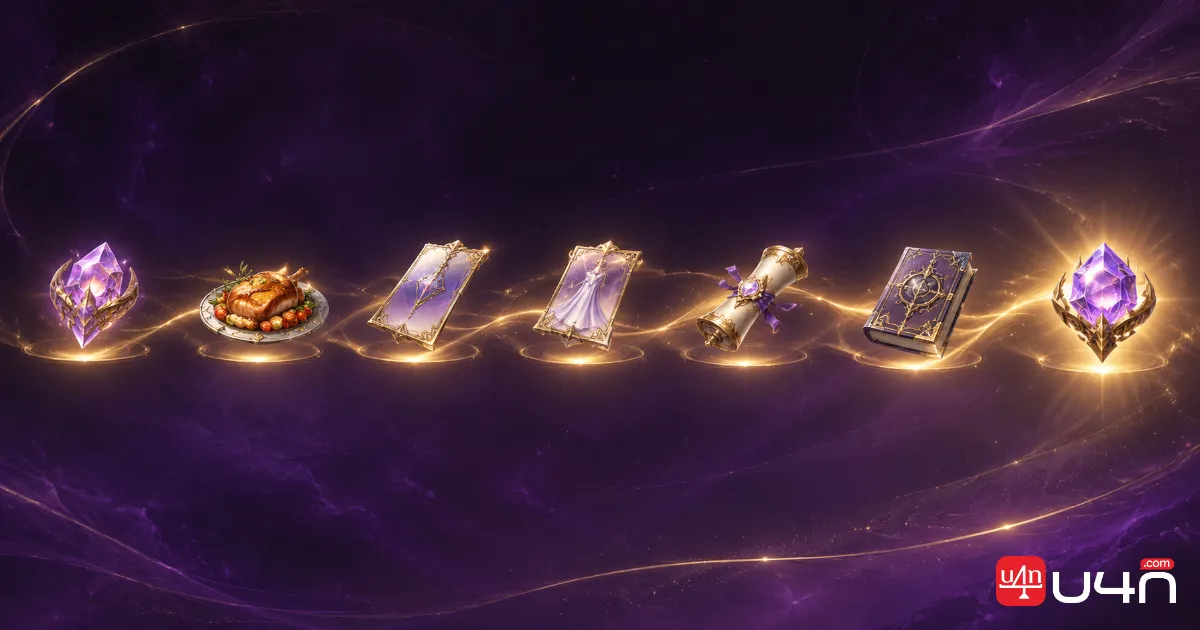
| 30 minutes | Resurrection Spiritstone (Bound) | 15 |
| 1 hour | Artisan's Roasted Fogus (Bound) | 15 |
| 2 hours | Customization Voucher (Bound) | 3 |
| 4 hours | Appearance Change Voucher (7 Days) (Bound) | 1 |
| 6 hours | Battle Enhance Scroll (Bound) | 20 |
| 8 hours | Soul Codex: Reset (Bound) | 3 |
| 10 hours | Sync Stone (Unique) (Bound) | 6 |
The official November 25 patch listing supplies the schedule and reward table. The separate campaign announcement also lists a later Twitch inventory claim deadline: December 23, 2026, at 11:59 PM PST, or December 24 at 8:59 AM CET. Keep that deadline separate from the end of eligible viewing.
Our recommendation is to use the viewing cutoff as your personal completion deadline and claim completed rewards promptly. The later claim window is useful breathing room, but we would not build a plan around leaving everything unclaimed.
For the appearance voucher, preserve the complete item name when comparing guides or screenshots. The “7 Days” label deserves a tooltip check before use. We would not turn that label into a promise about permanent cosmetic access, or specify when a timer starts, without clearer item information.
The same restraint applies to the final reward. We can plan around the listed Sync Stone quantity without assigning it an unsupported Kinah value or promising a particular upgrade result.
Set Up Your Viewing Before Committing Hours
Twitch's Drops guidance establishes the basic rules: watch a participating channel, track progress through the Drops interface or inventory, and claim rewards after meeting their requirements. Switching between eligible channels preserves progress, while watching several channels simultaneously does not accelerate it. Account linking is required for delivery, although Twitch permits progress and claims before linking. Twitch also separates its claim process from the developer's delivery of the reward inside the game.
We would turn those rules into a brief setup routine:
- Sign in to the Twitch account you intend to use.
- Open the active AION 2 campaign.
- Choose a participating live channel through the campaign information.
- Check the connection to your intended game account.
- Watch briefly, then inspect the progress display.
That last check is where we would spend our attention. A channel title is useful for finding a stream, but the campaign interface is the place to verify that your session is doing what you expect.
Choose something you actually want to watch. For our team, a stream explaining dungeon decisions, class execution, or gearing priorities would be easier to stay with than one selected only for a reward timer. You can make useful viewing choices without turning the campaign into another demanding progression task.
If the creator ends their broadcast, return to the campaign and select another eligible channel. We recommend checking progress again after the switch, especially if you have several Twitch tabs open and are no longer certain which session you are following.
Keep the setup simple. One intended Twitch account, one eligible stream, and one clear progress check give you a much easier session to troubleshoot.
Claim Each Milestone and Check the Destination
Our preferred workflow is to check the inventory whenever a listed milestone should be complete. This gives us a natural point to confirm progress, claim the reward, and inspect what comes next.
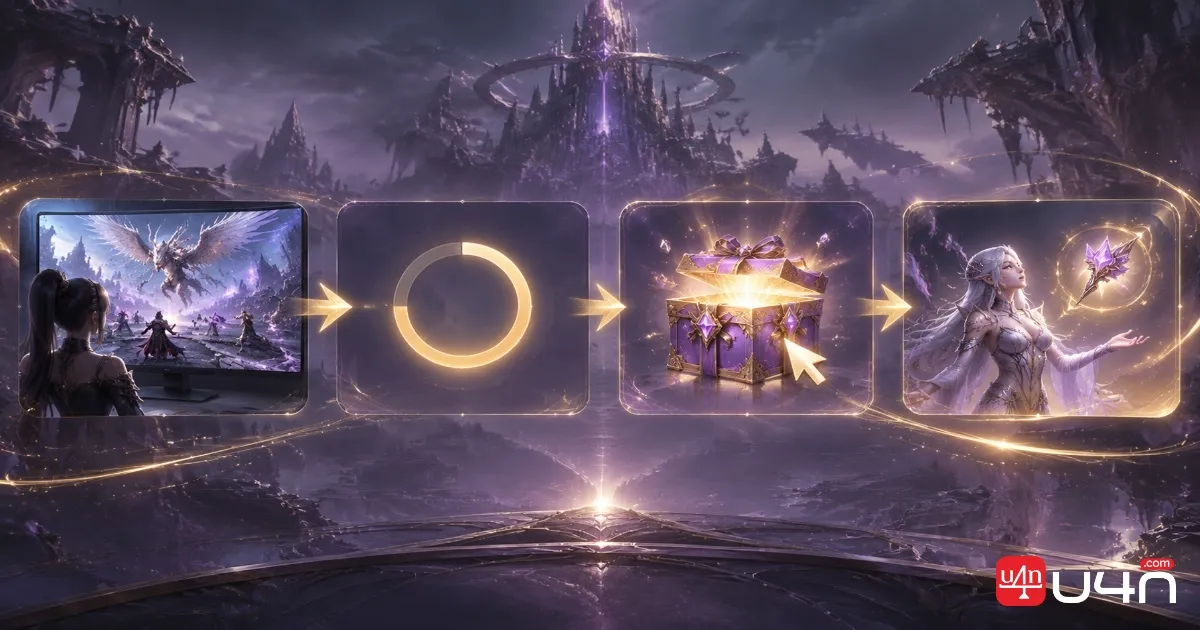
We would use the following sequence throughout the campaign:
- Open the Twitch Drops inventory.
- Locate the Daevasgiving campaign.
- Check the status of the reward you were pursuing.
- Complete the available claim action.
- Inspect the next reward's displayed requirement.
- Follow the game's redemption instructions to check delivery.
Treat this as an account task with several checkpoints. We would not use the appearance of an item in Twitch's inventory as our only confirmation that the intended character has received it.
Before selecting a destination, read any region, server, or character fields carefully. If the redemption screen offers those choices, take a moment to compare them with the account you actually play. We prefer that small pause to discovering an account mismatch after the claim is complete.
For the appearance voucher, we would add another check after delivery: read the tooltip before activating or consuming it. Decide what you want to change first. There is little benefit in using a time labelled item while you are still choosing an appearance.
For the remaining rewards, keep the original item names visible until you have matched them to the delivered items. Short labels such as “scrolls” or “reset items” are convenient in conversation, but full names make troubleshooting much clearer.
We also recommend keeping a screenshot of the completed Twitch claim if anything looks unusual. Record the reward name and the approximate claim time. That gives you useful evidence without requiring you to reconstruct the session later.
Build a Viewing Plan Around Your Target
Choose your stopping point before you begin. Our team would ask one practical question: which listed reward are we willing to spend viewing time pursuing?
If the early rewards are enough for your current plans, set a reminder around that milestone and reassess there. If the Sync Stones are your target, reserve enough time to reach the final displayed requirement, with room for interruptions and progress checks.

The following schedules are planning examples. They assume your campaign progress follows the listed milestones normally; check the live inventory as you go.
| Suggested schedule | Planned viewing | Why we would use it |
|---|---|---|
| Five shorter sessions | 2 hours each | Fits a regular evening routine |
| Three sessions | 4 hours, then 3, then 3 | Reduces the number of separate viewing days |
| Two longer sessions | 5 hours each | Suits players who already watch long broadcasts |
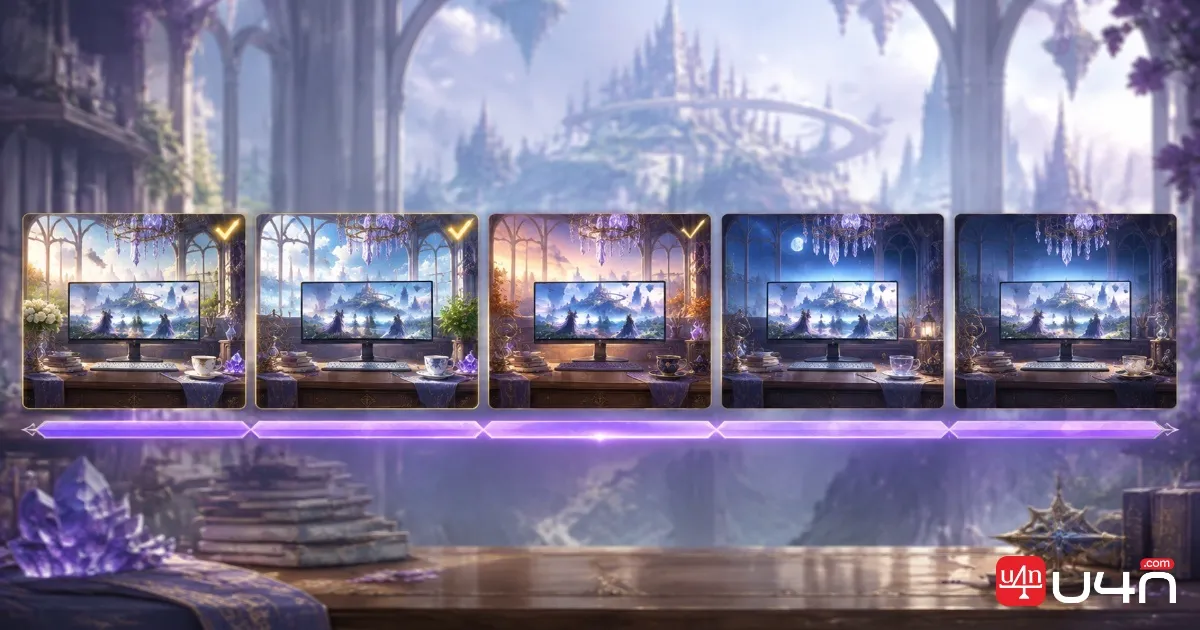
We favor the shorter schedule for anyone fitting the event around work or family commitments. It creates several opportunities to catch an account or progress problem before the deadline becomes tight.
Avoid scheduling exactly ten hours on your calendar and treating every minute as guaranteed credit. Leave room to find a participating broadcast, inspect the inventory, and resolve anything unexpected. Our planning preference is to finish with a spare session still available.
At the end of each session, write down what the inventory shows. A note such as “four hour reward claimed, next reward in progress” is more useful than a rough memory of when you opened the stream.
Use the campaign's recorded progress when planning the next session. If your own estimate and the inventory disagree, investigate before committing another evening. We would rather spend a few minutes checking the discrepancy than carry it into the final day.
Troubleshoot the Stage That Has Stopped
When something goes wrong, identify the stage before changing settings. Our team would separate the problem into three categories: viewing progress, the Twitch claim, or delivery inside AION 2.
Viewing Progress Is Not Increasing
Return to the campaign entry and check the channel you selected. Confirm that you are signed in to the intended Twitch account and looking at the current Daevasgiving reward.
Then make one controlled change. Choose another participating live channel, watch briefly, and check again. Keep a note of the result. Changing accounts, channels, browsers, and connection settings together makes it harder to tell what solved the problem.
We would also inspect which reward is currently active in the inventory. Read the displayed requirement rather than assuming the next milestone has started exactly as expected.
A Completed Reward Cannot Be Claimed
Check the reward's actual status and the applicable claim deadline. Take a screenshot if the interface shows a completed requirement without a usable claim action.
Our next step would be to consult Twitch's help instructions for the claim interface. Include the campaign name and reward name when describing the issue. “Drops are broken” gives support very little to investigate.
Twitch Shows Claimed, but the Item Is Missing
Check the linked account and follow the publisher's redemption instructions. Review any destination choices you made, then inspect the relevant game interface.
If the item still cannot be located, prepare a concise report with your region, server, reward name, claim time, and screenshot. Avoid repeatedly unlinking accounts unless the official troubleshooting process calls for it. We prefer to preserve a clear record of the original connection and claim.
Do not attach an invented delivery estimate to the problem. If the campaign does not provide a delivery timeframe, report what the interface actually shows and ask the appropriate support team to investigate that stage.
Our Recommended Daevasgiving Routine
We would begin with a short verification session, then fit the remaining viewing into an existing routine. Check that progress registers, claim completed milestones, and confirm the destination before considering the reward collected.
Set your target according to the listed items you want to use. We would avoid treating the final tier as a guaranteed solution to a gearing problem until the relevant item mechanics have been checked separately.
Players searching for Aion 2 Kinah for sale may also be comparing ways to fund their next upgrade. For this campaign, we recommend keeping a separate checklist for the Drops you want, the items you have claimed, and the items you have actually received. That keeps the viewing task focused and makes any missing reward easier to identify.
Before ending your final session, make one deliberate inventory pass. Inspect every milestone you intended to finish, complete available claims, and retain evidence of anything unresolved. Then check the game account you planned to reward.
FAQ
Do We Need Ten Uninterrupted Hours on One Stream?
Use the channel switching rules described above to build a schedule you can maintain. Our preference is to divide the viewing into manageable sessions and inspect the campaign inventory between them. There is no reason to make the plan harder to follow by committing to a creator whose broadcast times do not suit you.
Should We Leave Several AION 2 Streams Open?
We recommend one eligible stream and a clear progress check. The single channel progress rule means extra simultaneous streams are not a useful way to shorten the requirement. If your chosen broadcast ends, switch deliberately and verify the new session through the campaign interface.
Does the “7 Days” Voucher Guarantee a Permanent Appearance?
We would not make that claim from the reward label alone. Check the delivered voucher's tooltip and any accompanying official explanation before using it. Pay particular attention to wording about item validity, activation, and the appearance change itself.
Which Deadline Should We Put in Our Calendar?
Put both dates in the calendar with different labels: the viewing cutoff and the Twitch claim cutoff. Our practical recommendation is to finish watching early and claim as you progress. A later claim window should be a recovery opportunity, rather than the date around which you schedule your viewing.
What Should We Save If a Reward Does Not Arrive?
Save a screenshot showing the Twitch claim, the exact reward name, the approximate claim time, and the account destination you intended to use. Record your region and server before contacting support. Describe whether progress stopped, claiming failed, or the claimed item could not be found in the game.