

A crash after a major update can swallow an entire evening before a squad gets into its first match. Our team's priority with the November 25, 2026, Modern Warfare 4 issue list is to separate problems that have a useful troubleshooting step from problems that still need an official fix. Steam crashes and blocked DMZ access deserve the most attention because they can stop a session before it starts.
For readers following progression guides or searching for MW4 Boosting, reliable access comes before any leveling plan. We would rather spend a few minutes identifying the correct issue than spend an hour applying fixes meant for another platform. A missing launch button, an unchanged token counter, and a DMZ error may interrupt the same evening, but each calls for a different response.
We are treating this as a dated status report. The November 25 list records what was being investigated and what had been addressed at that point. Our recommendations below focus on choosing a sensible next step, keeping troubleshooting manageable, and avoiding assumptions that a temporary workaround means the underlying issue has disappeared.
What the November 25 Issue List Covers
The most useful way to read the list is by symptom and platform. Before changing anything, we would match the problem on screen to the relevant entry.
| Issue | Affected platform | Status in the November 25 update | Immediate response |
|---|---|---|---|
| Crashes after the Season 1 update | Steam | Under investigation | Verify files before considering the reinstall workaround |
| DMZ Dev Error 0x26FEC466 | All platforms | Under investigation | No confirmed workaround listed |
| Delayed Battle Pass Tier Skip Token total | All platforms | Under investigation | Leave the Battle Pass screen and reopen it |
| Missing launch button in COD Home | Xbox on PC | Under investigation | Check the Store device limit and missing Content Packs |
| Missing Permanent Unlock Tokens after Prestige | All platforms, concerning Warzone players | Delivery addressed | Check awarded tokens; some Prestige Challenges remain under investigation |
These statuses are based on the November 25, 2026, known issues report. Distinguishing between acknowledged issues, suggested workarounds, and resolved problems is important when reviewing the list.
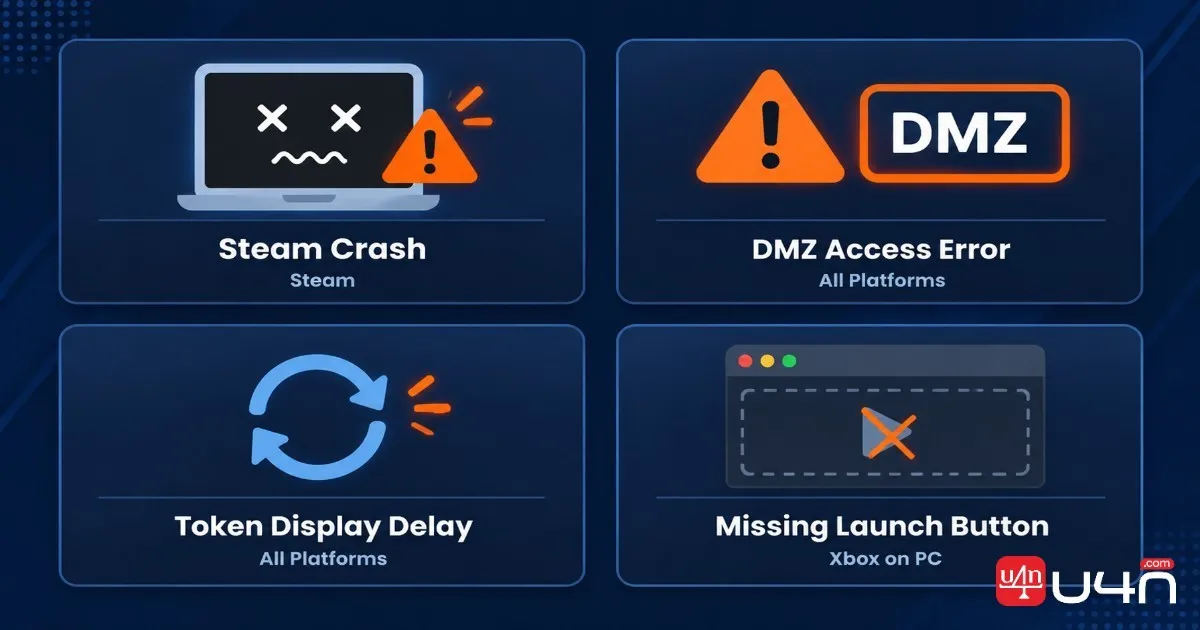
Our team would use this table to choose one troubleshooting path. Someone who can launch Multiplayer but cannot enter DMZ has a different starting point from someone whose Steam installation crashes immediately. Applying every suggestion in sequence makes it harder to tell which action helped.
We also would not read the page date as a promised repair deadline. For planning a session, an investigation entry gives us a reason to watch for an update. It does not give us a dependable time to tell the squad to regroup.

Steam Crashes: Verify Files Before Reinstalling
For the Season 1 Steam crash issue described in the supplied update, file verification is the starting point. We would complete that check before committing to a full download.
In Steam, open the Library, right-click the game, choose Properties, select Installed Files, and click Verify integrity of game files. Let the process finish before launching again. Steam's support instructions also advise against running verification alongside other intensive system tasks.
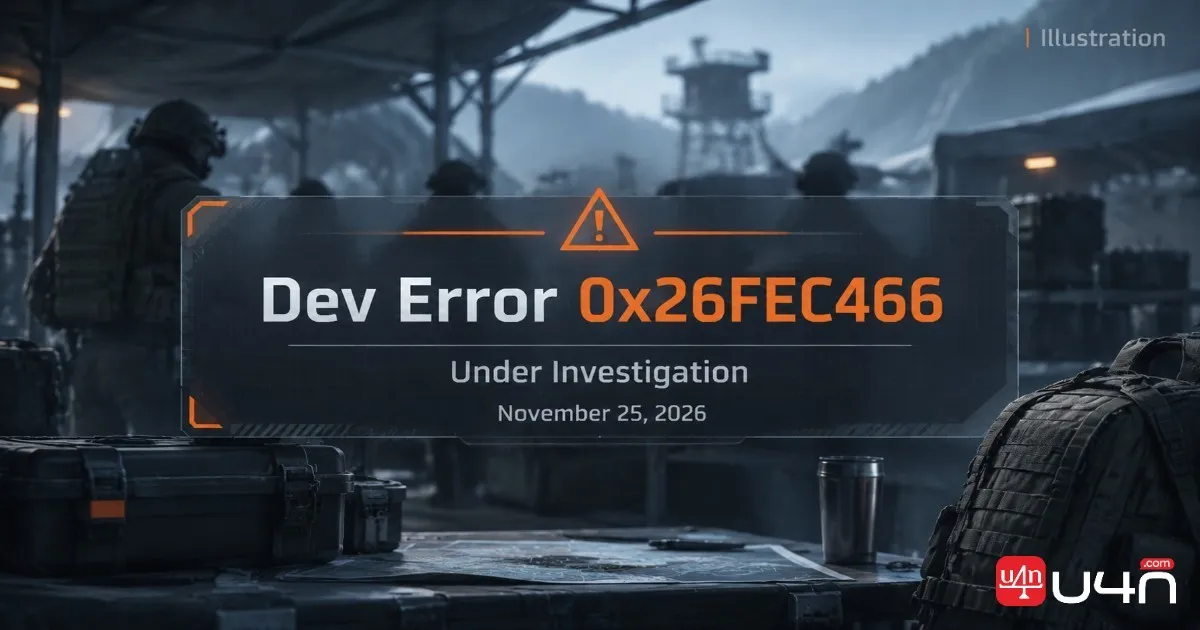
After verification, our next move would be a controlled launch attempt. Try to reach the point where the crash previously happened and note the result. Did the game close before COD Home appeared? Did it reach the menu but fail while loading a mode? A short note gives the next troubleshooting decision something concrete to work with.
If verification does not help, the supplied Activision update describes a more involved workaround: uninstall Modern Warfare 4 and Warzone through Steam, clean up the specified installation folder, and reinstall Modern Warfare 4.
The folder instruction needs particular care. The wording supplied refers to a "steamapps common folder," which is too ambiguous to turn into a blanket deletion instruction. We would confirm the exact location against the official guidance before removing anything. Do not interpret that wording as permission to delete an entire shared Steam library directory.
Reinstallation is a reasonable escalation once the earlier check has failed, but we would budget time for it and keep expectations measured. The workaround is a troubleshooting option. It is not evidence that every Season 1 crash has the same cause or that every affected installation will respond identically.
For a persistent crash, we would record the launcher, the point of failure, any visible error, and the steps already completed. "Still crashes after verification" is useful. A long list of unrelated settings changed at once is much harder to interpret.
DMZ Dev Error 0x26FEC466: Keep the Diagnosis Narrow
The DMZ entry describes a specific access problem: some players encounter Dev Error 0x26FEC466 and cannot enter the mode. The supplied update lists it across platforms and does not provide a confirmed workaround.
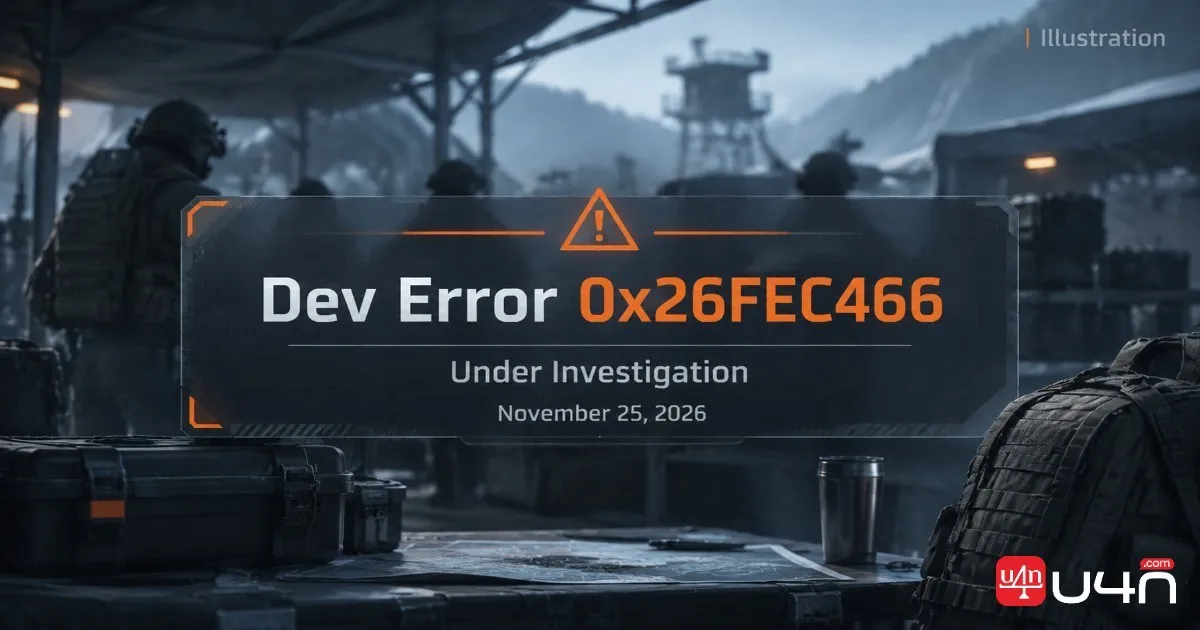
Our recommendation is to stop treating repeated attempts as a troubleshooting plan. If the same error returns under the same conditions, we would capture the message, note when it appears, and check the issue status before spending the rest of the session retrying.
We would also resist borrowing the Steam reinstall instructions for this problem simply because both issues prevent play. Those instructions were attached to the Steam crash entry. The DMZ error has its own entry and a wider stated platform scope. That is enough reason to keep the two diagnoses separate.
For a squad, clear communication saves time. Tell teammates the exact error and where it interrupts entry. If we were organizing the evening, we would make another plan rather than repeatedly giving everyone a fresh five-minute estimate.
There is no need to invent a repair date. Our practical advice is to pause DMZ plans when this error blocks access and return when the official status changes or a documented workaround becomes available. Players can then make a fresh attempt with a reason to expect a different result.
Battle Pass Tokens: Refresh the Counter Before Spending Again
The Battle Pass problem needs a lighter response. According to the supplied update, the displayed Tier Skip Token total can lag after tokens are spent. Leaving the Battle Pass screen and returning is the suggested way to refresh that total.
We would make one intended action, back out, reopen the page, and inspect the result. That short pause is preferable to clicking repeatedly because the number appears unchanged.
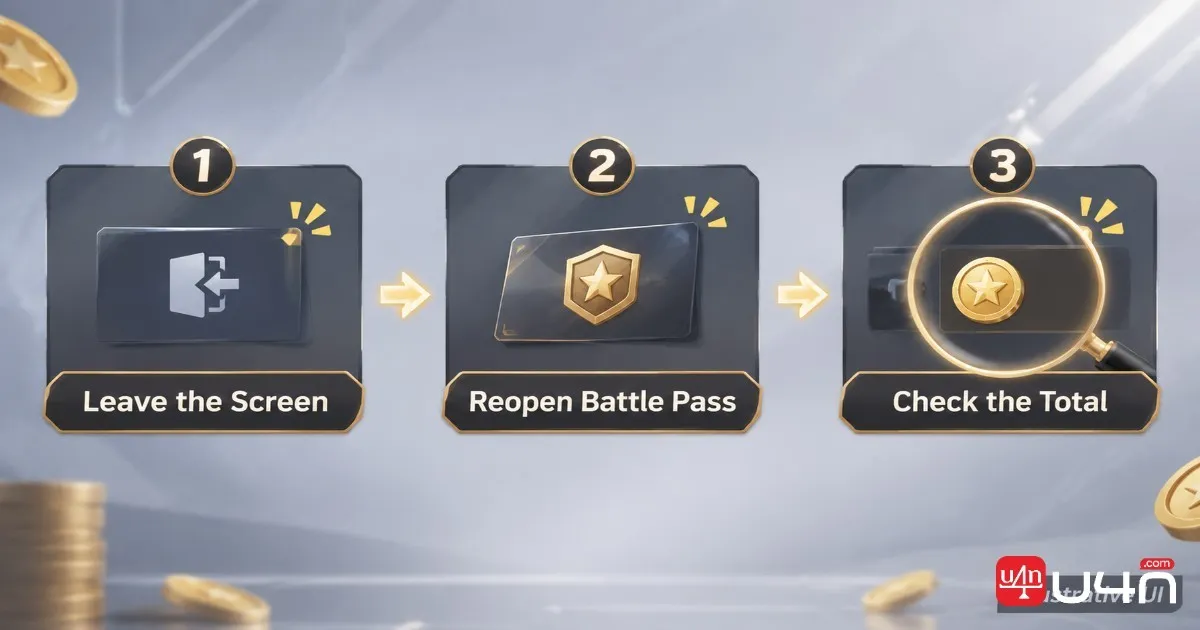
Our concern here is clarity. A delayed display can make it difficult to remember which action has already registered, especially when moving quickly through menus between matches. We would check both the refreshed total and the progression visible on the page before deciding what to do next.
The wording also matters. A delayed counter should not be reported as confirmed token loss without further evidence. The supplied description identifies a visual delay; it does not establish that tokens are being duplicated, deleted, or charged twice.
If reopening the screen still leaves an unexplained discrepancy, we would save a screenshot and describe the sequence precisely. Include the displayed total before spending, the intended action, and what appeared after returning. That is a clearer account than repeatedly testing with more tokens and losing track of the starting balance.
For ordinary session planning, this belongs below the access problems. We would refresh the page before making another spending decision, then move on once the display is understandable.
Xbox on PC: Check the Missing Launch Button Separately
For Xbox on PC players, the supplied update identifies a missing launch button in COD Home. Its suggested checks concern Microsoft Store device management and Modern Warfare 4 Content Packs that have not been installed.
Our first step would be to inspect the Store device list against the stated 10-device limit. We would review the devices carefully and identify any that no longer belong in the account's active setup, rather than removing entries at random.
We would then inspect the game's available installation components and look for missing Content Packs. This is a focused check: determine what is installed, identify what is absent, and complete the relevant installation before testing the launch screen again.
We would keep a note of the result after each step. If the button returns after installing a missing pack, that is useful information. If nothing changes after both checks, we would report that outcome plainly instead of describing the issue as fixed.
The launcher name should stay in every report. "PC cannot launch" is broad enough to blur this issue with the Steam crash investigation. "Xbox on PC, no launch button in COD Home" points directly to the symptom described in the update and makes follow-up discussion much easier.
Which Previously Reported Problems Were Addressed?
The supplied November 25 report also contains a substantial addressed list. Our team would group these by what players should check when they return.
| Area | Items reported as addressed |
|---|---|
| Rewards and unlocks | Campaign reward delivery and eligible Warzone Permanent Unlock Token delivery |
| Appearance | Season 1 BlackCell clan tag display; Warfighter and Warfighter Prime skins reenabled |
| Challenge progress | Patriot XMR headshot count display |
| DMZ progression | Information Power Order and Operator Prestige issues |
| Multiplayer setup | Loadout saving |
| Statistics | Combat Record and leaderboard display |
Each entry needs a small amount of interpretation. A skin being reenabled is a different outcome from a challenge counter displaying correctly. We would describe those changes using the action reported, so readers know what to inspect.
The Permanent Unlock Token entry deserves its qualification alongside the fix: token delivery was addressed, while some Prestige-related Challenges remained under investigation in the supplied update. We would not turn that into a claim that every Prestige problem had been resolved.
DMZ needs the same precision. Addressed Operator Prestige and Information Power Order issues do not settle the separate access error. A player can reasonably welcome progress on those systems while still being unable to enter the mode because of Dev Error 0x26FEC466.
When revisiting an addressed item, our preference is a small, direct check. Inspect the relevant reward, confirm a saved loadout remains available, or look at the specific counter involved. If the symptom persists, record exactly what remains wrong. That preserves the distinction between the published status and an individual player's experience.
How We Would Plan the Next Session
Our team would begin with the problem that actually interrupts the session: verify files for the described Steam crash, pause DMZ attempts if the listed error blocks entry, refresh the Battle Pass page before another spending decision, or check the Xbox PC installation components. We would complete one relevant action and inspect the result before changing anything else. That keeps the process readable and gives us a clear stopping point.
Readers planning a loadout or searching for where to buy Modern Warfare 4 DMZ Items should give access problems priority. Our approach would be to confirm that DMZ opens before investing more time in a detailed run plan. Equipment preparation cannot tell us whether the listed access error has been repaired, and we would not present any purchase as a remedy for it.
Before regrouping, we would share a short status message with the squad: the platform, the exact symptom, what we tried, and whether entry worked. If the same blocker remains, we would postpone that mode and keep the error screenshot for a report. The next attempt should follow new information or a completed troubleshooting step.