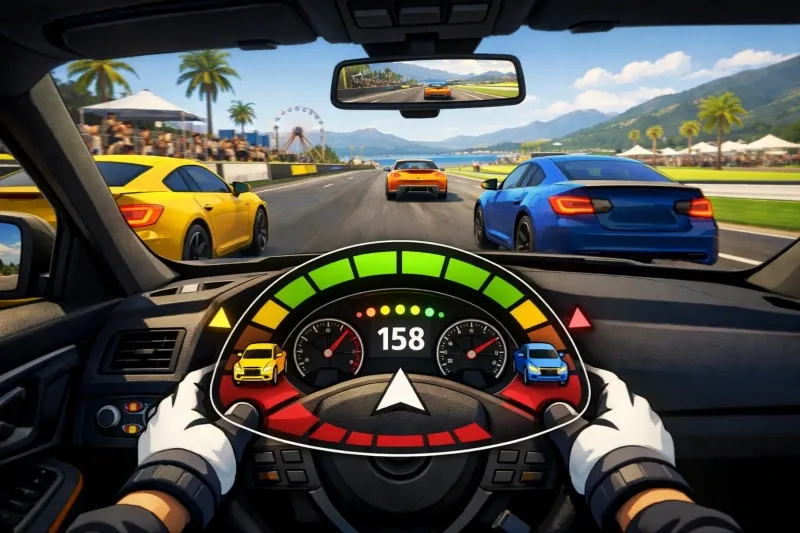
In Forza Horizon 6, the Car Proximity Radar is a new accessibility and HUD feature designed to improve driver awareness, particularly during close-quarters racing. It provides a visual on-screen display that helps you identify other cars in your blind spots, making it easier to maintain a clean racing record.
Key Details and Functionality
- Enhanced Awareness: The radar identifies the distance and direction of nearby opponents.
- Visual Indicators: It uses a circular graphic where colored blocks (changing from orange to red) indicate how close a car is to your vehicle.
- Optimal Views: While available in all perspectives, it is most effective for players using the cockpit, hood, or bumper camera modes where visibility is naturally limited.
- Customization: Players can likely toggle this feature on or off and adjust its position on the HUD, similar to the system introduced in recent Forza Motorsport updates.
How to Enable Car Proximity Radar
Based on the developer FAQ and previous entries, you can typically find this setting under:
- Settings menu.
- Navigate to the Gameplay & HUD tab.
- Scroll down to the Proximity Radar option to enable it for single-player, multiplayer, or both.