购物车空
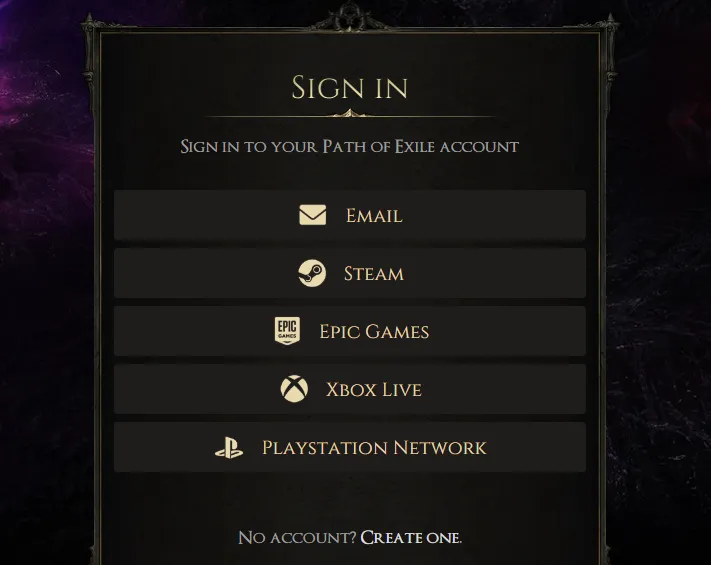
继续购物Go to the Official Path of Exile Connections page and log in with your account (or Steam/Epic/Console credentials).
Visit your Twitch Settings page.
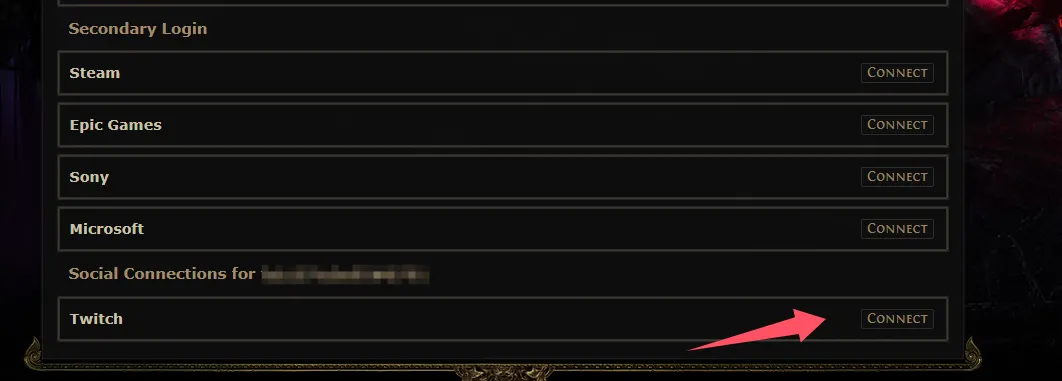
If your account isn't connected, click the "Connect" button for Twitch under "Other Connections". Complete the process on Twitch and you will be redirected back to your Twitch Settings page.
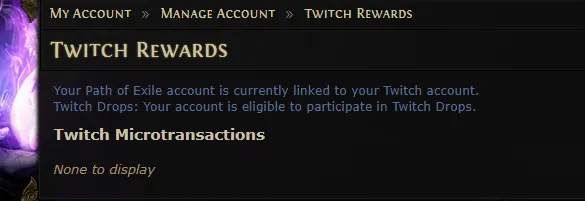
If your account is already connected, this page should say "Your Path of Exile account is currently linked to your Twitch account."
Claim Rewards: After watching the required time, you must manually claim drops from your Twitch Inventory before the campaign ends.
U4N是一家领先的在线交易平台,提供安全快捷的游戏内物品、货币、账号和代练服务交易。U4N涵盖众多热门游戏,为玩家提供可靠的服务,包括快速发货和认证卖家,确保流畅安全的游玩体验。