
U4N.com
Sell Sign in
Path of Exile

PoE How To Link Twitch Account

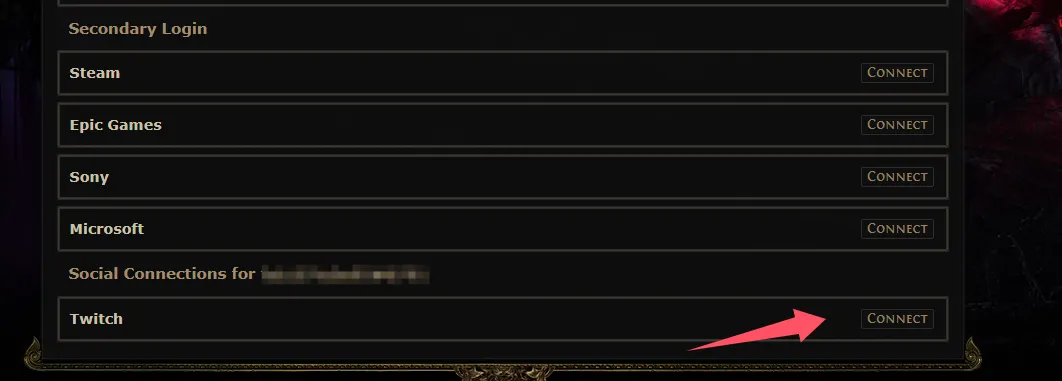
If your account isn't connected, click the "Connect" button for Twitch under "Other Connections". Complete the process on Twitch and you will be redirected back to your Twitch Settings page.

PoE How To Link Twitch Account

1. Log in

Go to the Official Path of Exile Connections page and log in with your account (or Steam/Epic/Console credentials).
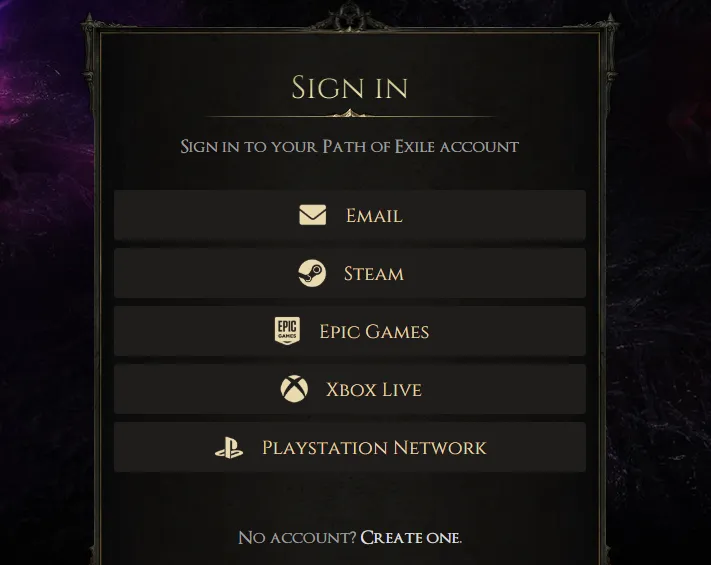
Path of Exile Log in

2. Visit your Twitch Settings page while logged in

Visit your Twitch Settings page.

PoE How To Link Twitch Account

If your account isn't connected, click the "Connect" button for Twitch under "Other Connections". Complete the process on Twitch and you will be redirected back to your Twitch Settings page.
PoE How To Link Twitch Account

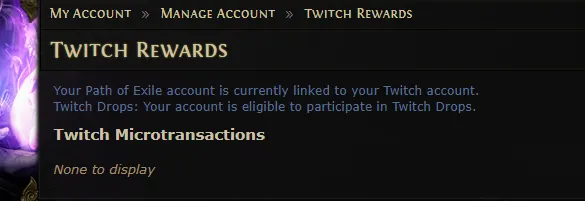
If your account is already connected, this page should say "Your Path of Exile account is currently linked to your Twitch account."

Important Tips for Drops

Claim Rewards: After watching the required time, you must manually claim drops from your Twitch Inventory before the campaign ends.


U4N
Mirabel Wolseley About the Author: Mirabel Wolseley I'm Mirabel Wolseley, a gaming writer specializing in sports games and MMORPGs. I create practical guides, gameplay tips, and strategy articles to help players improve their skills, explore game content, and progress more efficiently. At U4N, I focus on delivering clear, helpful, and well-researched content for gamers.

Related reading

More Blog →
Visa Mastercard Discover AMEX JCB Apple Pay Google Pay Alipay ShopeePay Boost Gcash KakoPay NaverPay Payco Samsung Pay Skrill Toss Trustly